What to Look for in a Beginner Digital Piano
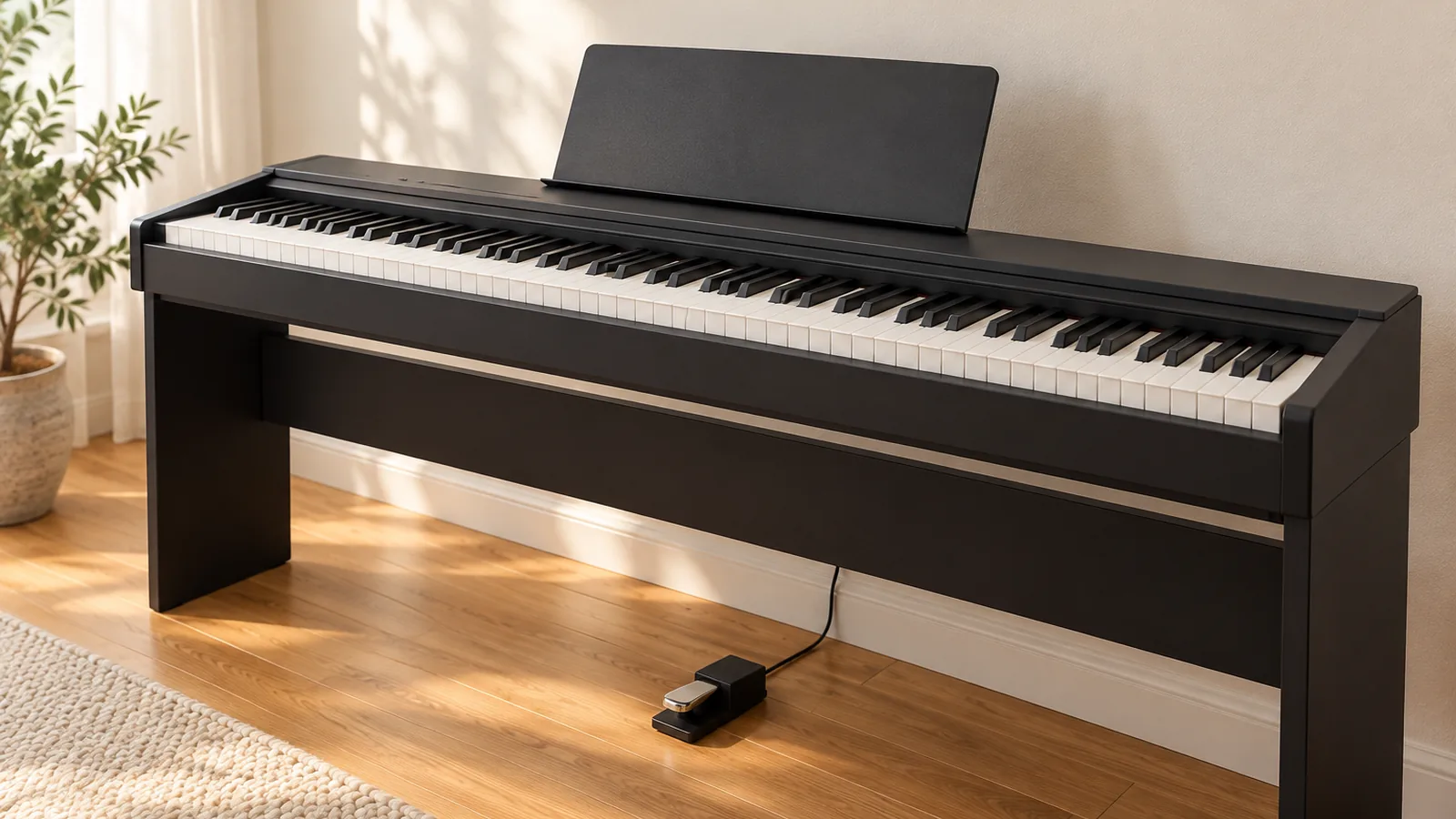
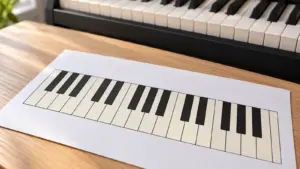
If you’re asking what to look for in a beginner digital piano, start with key count: 88 keys are commonly recommended for piano study. Weighted hammer-action keys give a more piano-like feel, and a 61-key model may suit casual goals or tight spaces, but only if the songs you want fit its range.
Quick answer
What should you look for in a beginner digital piano?
Choose 88 keys if you plan to study piano, since that count is the common recommendation for piano study. Pick weighted hammer-action keys if you want the feel closest to an acoustic piano. A 61-key model can work for casual goals or a tight space, but only if the songs you want fit its range.
- Keys: 88 keys for piano study, or 61 keys for casual goals if your songs fit the range.
- Action: weighted hammer action for a piano-like feel, or unweighted action if you want lighter, easier-to-carry keys.
- Pedal: confirm whether a sustain pedal is included, sold separately, or connects through a pedal jack.
- Headphones: check whether plugging in headphones silences the built-in speakers.
- Space: measure the width, depth, and height, and confirm the piano, stand, and bench fit where you’ll practice.
- Test: play the sound and key action in person before you buy.
Which features matter most for beginners?
Key count and key action matter most, then sound, then practice extras. A 61-key model may suit some beginners, especially if your goals are casual or your space is tight, but check that the songs you want to play fit within its range.
Weighted hammer-action keys push back the way an acoustic piano’s hammers do, which gives the most piano-like feel. Unweighted keys use a spring action, so they’re lighter and easier to carry, but they don’t reproduce that resistance. Touch sensitivity is a separate feature. It changes the sound based on how firmly or quickly you press, and an unweighted keyboard can still have it.
Pro tip
Play the keys in person before you buy, because comfort with a particular action is subjective.
Sound matters too, and the number of tones varies by model. The Yamaha P-145 offers 10 voices, and the Casio PX-S1100 offers 18 tones. Maximum polyphony, which is how many notes can sound at once, also differs between them, so listen for the piano sounds you’ll use most.
Casio PX-S1100 and Yamaha P-145 specifications
| Model | Keys | Touch settings | Max polyphony | Voices or tones |
|---|---|---|---|---|
| Yamaha P-145 | 88 GHC keys | Soft, Medium, Hard, Fixed | 64 | 10 voices |
| Casio PX-S1100 | 88 hammer-action keys | 5 levels plus off | 192 | 18 tones |
Practice extras can include a few useful tools:
- Metronome: keeps a steady beat while you play.
- Recorder: lets you hear your playing back.
- Lesson or app compatibility: works with learning software.
- Sustain-pedal input: accepts a sustain pedal for expression.
How should the keys and pedals feel?
Weighted hammer-action keys add resistance meant to imitate an acoustic piano’s hammer action. Unweighted keys use a spring-loaded action without that resistance. They’re easier to move or carry, but they don’t reproduce a weighted piano’s feel.
Touch settings vary by model. The Yamaha P-145 offers four settings (Soft, Medium, Hard, and Fixed), while the Casio PX-S1100 offers five touch levels plus off.
A sustain (damper) pedal lets notes keep sounding after you release the keys. Before you buy, check how the pedal reaches the piano:
- Included: the pedal comes in the box.
- Sold separately: you buy the pedal as an add-on.
- Pedal jack: you connect a pedal through a dedicated input.
Practice extras such as a metronome, a recorder, lesson or app compatibility, and a sustain-pedal input can make practice easier. They don’t replace suitable keyboard action.
Pro tip
Match the piano to your practice space
Start with the room, because it’s the first filter in what to look for in a beginner digital piano. Before you buy, measure the width, depth, and height of the instrument, then check that the piano, stand, and bench will all fit where you plan to practice. Measure the bench too, since you’ll sit on it for every session and it needs floor space around it.
For scale, the Yamaha P-145 measures 1,326 × 268 × 129 mm and weighs 11.1 kg, according to its owner’s manual.
Note
Those figures apply to the P-145 only, so pull the dimensions for each model you consider before you decide.
Once the room is measured, work through these checks:
- Portability: Check the weight, whether battery power is available, and whether a carrying case is offered.
- Accessories: Stand, bench, headphones, and power adapter may be included or sold separately, and this varies by model and region.
- Headphones: Jack type and count can vary by model, so confirm the connector matches your headphones.
Speakers matter if you practice when others are home. Check whether the piano has built-in speakers and whether plugging in headphones turns them off. The P-145 has one standard stereo headphone jack.
Connections decide how the piano talks to your devices. The Yamaha P-145 provides USB-to-host MIDI and audio, while the Casio PX-S1100 provides USB and Bluetooth MIDI and audio. If you plan to pair a tablet wirelessly, the Bluetooth option matters.
Compare beginner piano features at a glance
For most beginners, the two specs to compare first are 88 keys for piano study and a weighted hammer action. Touch sensitivity, polyphony, tones, and connections differ by model, so check them on the exact piano you’re considering.
| Feature | Recommended value | Range in sources | Source |
|---|---|---|---|
| Keyboard size | 88 keys | 61 to 88 keys | casio.com hub.yamaha.com |
| Key action | Weighted hammer action (Roland) | Weighted or spring-loaded unweighted | roland.com |
| Touch sensitivity | Five levels plus off (Casio PX-S1100) | — | casio.com |
| Polyphony | 192 maximum (Casio PX-S1100) | — | casio.com |
| Tones | 18 tones (Casio PX-S1100) | — | casio.com |
| Connections | USB-to-host MIDI/audio (Yamaha P-145) | USB and Bluetooth MIDI/audio (Casio PX-S1100) | usa.yamaha.com casio.com |
Keyboard size and action matter most. 61 keys may suit some beginners, depending on their goals and space, but 88 keys is the common recommendation for piano study.
The five touch levels plus off and the polyphony figure come from one Casio model, so treat them as an example, not a standard.
Practice features and fit don’t appear in the table because there are no comparable numbers. Check for built-in speakers and a headphone jack, since connector count varies by model. Confirm whether the stand, bench, headphones, and power adapter come in the box, and measure the width, depth, and height before you buy.
Frequently Asked Questions
Can you learn piano with headphones on a digital piano?
Yes, a digital piano with a headphone jack lets you practice quietly when others are home. The Yamaha P-145 has one standard stereo headphone jack, so confirm your headphone plug fits before you buy.
How much should a beginner digital piano cost?
Build your budget around 88 keys and a weighted action, since those matter most for piano study. Stands, benches, headphones, and power adapters may come in the box or cost extra, and this varies by model and region. Add those costs to the piano price before you compare models.
Is a digital piano better than an acoustic piano for beginners?
Not automatically, but a digital piano can suit beginners well if its keys feel right. Weighted hammer-action keys are designed to resemble an acoustic piano’s resistance, while unweighted keys are lighter and easier to carry.
Do beginners need a full-size digital piano?
Check that the songs you want to play fit within the keyboard’s range before you buy.
Can I connect a digital piano to my laptop?
Yes, if the piano has a USB or Bluetooth MIDI and audio connection. The Casio PX-S1100 offers both USB and Bluetooth, so you have two ways to link it to a computer. Connection options vary by model, so check the ports on the exact piano you’re considering.
Conclusion
If you plan to study piano seriously, pick an 88-key model with a weighted hammer action. If your goals are casual or your space is tight, a smaller or unweighted keyboard can work, as long as the songs you want fit its range and the feel suits your hands. Either way, your next step is to play a few candidates in person, using the songs you actually want to learn. Then check the pedal, the headphone jack, and the dimensions before you order.
Sources
- casio.com (casio.com)
- hub.yamaha.com (hub.yamaha.com)
- roland.com (roland.com)
- usa.yamaha.com (usa.yamaha.com)
- roland.com (roland.com)
- usa.yamaha.com (usa.yamaha.com)
- casio.com (casio.com)