Best App to Learn Piano for Adults: 4 Options
No single app is best for every adult, but Yousician’s Premium tier starts at $7.49 per month. Choose by how you learn: structured lessons, songs you already know, or standard notation, and confirm device support and current regional pricing before you subscribe.
Quick answer
What is the best app to learn piano for adults?
There is no one winner for every adult, so match the app to how you learn. If you’re a beginner, start with Simply Piano’s free Piano Basics course, which costs nothing. Pick flowkey for songs you already know, and check that your keyboard works with it. Use a free trial only on Simply Piano’s yearly plan, because its monthly plan has no trial.
- Simply Piano: free Piano Basics and Touch Intro courses
- flowkey: Classic at €16.99 per month or Premium at €24.99 per month, in euros
- Yousician: Premium at $7.49 per month in U.S. dollars
- Open Synthesia: open-source practice for macOS or Linux desktops
- SightReader: standard-notation lessons from first notes to Grade 8
Compare piano apps by learning style
Only two of these six apps have a confirmed free option: Simply Piano’s basic courses and Open Synthesia, which is open source.
| App | Platform | Free or paid | Best for |
|---|---|---|---|
| Simply Piano | — | Free basic courses; yearly plan has a 7-day trial | Guided basics, including sight-reading |
| flowkey | Yamaha digital piano or keyboard | Classic €16.99/month or €99.99/year; Premium €24.99/month or €149.99/year | Learning songs you know |
| Yousician | — | Premium $7.49/month; Premium+ $13.33/month or $159.99/year; Premium+ Family $17.49/month | Households on a family plan |
| Musiah | PC, Mac, iPad | — | Practicing with a USB or Bluetooth MIDI keyboard |
| Open Synthesia | macOS and Linux desktop | Open source | Falling-note practice with MIDI files |
Flowkey’s prices are in euros and come from a page dated March 4, 2026.
Simply Piano’s help page is dated June 15, 2026. Its 7-day trial covers only the yearly plan, so monthly subscribers get no trial.
Pricing for Musiah and SightReader isn’t confirmed here.
Choose Simply Piano for guided basics
Simply Piano works well if you want a clear path from your first lesson onward. Piano Basics and Touch Intro cost nothing. The free Piano Basics course includes basic skills such as sight-reading, so you can build fundamentals before you pay for anything.
Paid access depends on the plan you choose. If you want to test the full app before committing to a year, start with the free courses and watch for the trial offer.
Note
The help page doesn’t list subscription prices, so check the current price in the app before you subscribe.
Simply Piano doesn’t say whether its main learning display uses standard notation or falling notes, and it doesn’t say whether it includes music theory lessons. If you plan to read standard notation or study theory, confirm those features in the app before you pay.
Device support isn’t covered here, so check the app store listing for your phone, tablet, or computer before you download. If you’re a beginner who wants step-by-step guidance and a low-cost way to start, Simply Piano’s free courses give you a practical first step.
Use flowkey to learn songs
flowkey suits adults who want to learn songs they already know. Yamaha describes it as a way to learn piano with your favorite music on a Yamaha digital piano or keyboard. That is the setup Yamaha names, so start there.
Check your instrument before you subscribe. Bluetooth MIDI support isn’t documented across all brands or devices, so a keyboard from another brand may not connect the way you expect.
flowkey’s pricing help page, dated March 4, 2026, lists these individual plans in euros:
- Classic, monthly: €16.99 per month
- Classic, annual: €99.99 per year
- Premium, monthly: €24.99 per month
- Premium, annual: €149.99 per year
These are euro prices, not U.S. prices, so convert them before you compare flowkey with dollar-priced apps. The pricing page also lists no lifetime option, so plan for a recurring subscription.
The 7-day trial applies to annual Premium. Use it if you want to test the app before you pay for a full year.
Compare Yousician’s paid plans
Yousician lists three paid tiers, all priced in U.S. dollars:
- Premium: $7.49 per month
- Premium+: $13.33 per month, billed at $159.99 per year
- Premium+ Family: $17.49 per month
Premium costs the least per month of the three, so it’s the lowest-cost place to start. Premium+ is the only tier with a yearly billing option, and you pay the full $159.99 at once instead of in monthly charges. Premium+ Family has the highest monthly price, so compare it with Premium+ before you pick it.
Yousician advertises a 7-day trial with yearly membership, but the cited page doesn’t say what stays free after the trial ends. The page also doesn’t list a lifetime plan, so plan on recurring charges. A 7-day trial is short, so use it for several practice sessions before you decide. Read the sign-up screen closely to see when the first charge hits.
Try MIDI-based practice with Open Synthesia
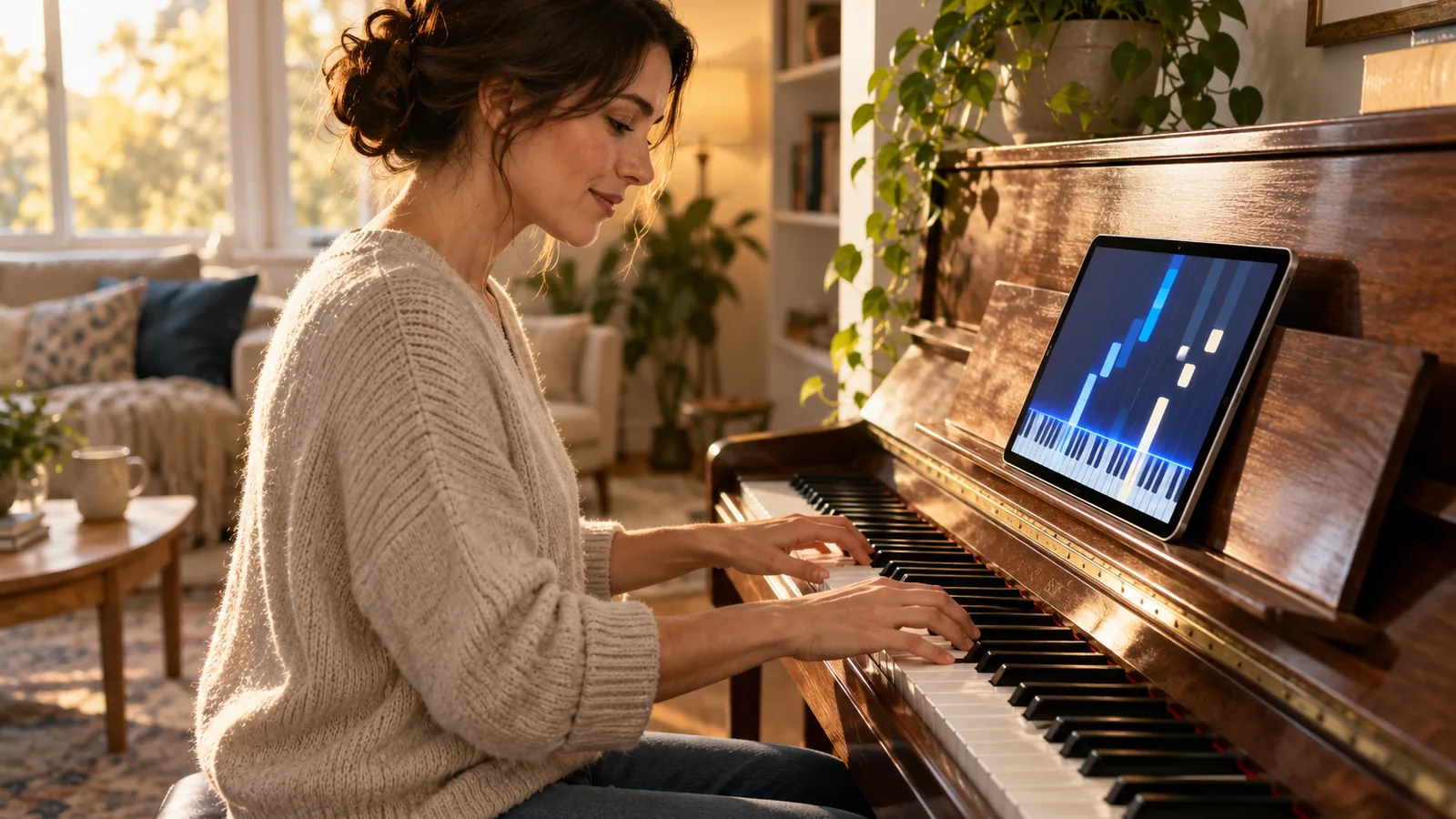
Open Synthesia is an open-source piano practice app for desktop computers. It accepts MIDI hardware and imports MIDI files, so you can practice on a keyboard you already own or on files you already have. Notes fall toward an on-screen keyboard, which shows you which key comes next.
The setup is narrower than the feature list suggests. Version 0.5.0 is available as an arm64 macOS disk image (DMG), and it was tested on macOS arm64. Before you install, check these limits:
- Windows: The packaging isn’t confirmed for Windows, so check before you install.
- Linux: A Linux desktop build is available if you run Linux.
- Learning scope: The material doesn’t cover standard-notation instruction or music-theory lessons.
Note
Open Synthesia is a practice tool, not a course, so pair it with lessons if your goal is reading music.
If your computer is on the supported list and you already own a MIDI keyboard, start with a MIDI file of a song you know. Play it slowly, match the falling notes, and increase the tempo once your timing feels steady.
Conclusion
If you’re starting from zero and want a guided path, pick Simply Piano’s free courses. If you want to play songs you already know, try flowkey on a Yamaha keyboard. If you own a MIDI keyboard and use a Mac or Linux computer, Open Synthesia gives you free practice with your own files.
Before you pay, practice for a few weeks, and use the 7-day trial if the app offers one. Then compare monthly and yearly prices in your own currency. Your next step is to check the current price and device support on the app store listing for the app you pick.
How we chose
We built this page from 7 sources across 7 publishers, led by Yamaha, Musiah, Yousician and Simply Piano. – Coverage: the figures refer to 2026; each one names its own year and source. – Where sources disagree, the article reports both figures with their sources instead of averaging them. – We used published records and maker or agency pages only; we did not run tests or surveys, and figures can change after publication.
Frequently Asked Questions
Can I learn piano from an app without a teacher?
Yes, you can learn the basics from an app alone, but you’ll get more out of it with some structure. Use an app for practice, and add a teacher or a method book when you want feedback on technique or reading music.
Is a microphone connection accurate enough, or should I use MIDI?
Use MIDI when your keyboard supports it, because the app gets the notes you play directly. Musiah works with MIDI-compatible keyboards over USB or Bluetooth MIDI. Use a microphone only if your instrument has no MIDI output, and keep your room quiet so the app hears clearly.
Can a piano app correct my hand position, fingering, or pedaling?
No, you should not rely on an app to correct posture, fingering, or pedaling. Use an app for notes and timing, and check your posture another way. Record yourself with a phone camera, then compare your hands and feet with a teacher’s demonstration or a method video. A teacher can spot fingering and pedaling habits that a recording alone may miss.
How do I build a consistent piano practice habit as an adult?
Practice at the same time each day, in short sessions you can finish even on busy days. Pick one goal per session, such as a single song section or a scale, so you know what to do next. Track your streak on a calendar, and restart the next day after a missed session.
Does Simply Piano teach standard notation or falling notes?
Its help page doesn’t confirm either way. Check this in the free Piano Basics course before you pay. Try a lesson and see whether the notes appear on a staff or fall down the screen.
Sources
- account.yousician.com (account.yousician.com)
- piano-help.hellosimply.com (piano-help.hellosimply.com)
- Learn to Play Piano with flowkey –Yamaha USA (usa.yamaha.com)
- help.flowkey.com (help.flowkey.com)
- github.com (github.com)
- next.sightreader.app (next.sightreader.app)
- musiah.com (musiah.com)